GameMaker Camera System
A downloadable Tool
This asset is a camera system and a platformer player controller.
The system is structured and fully customizable.
Features
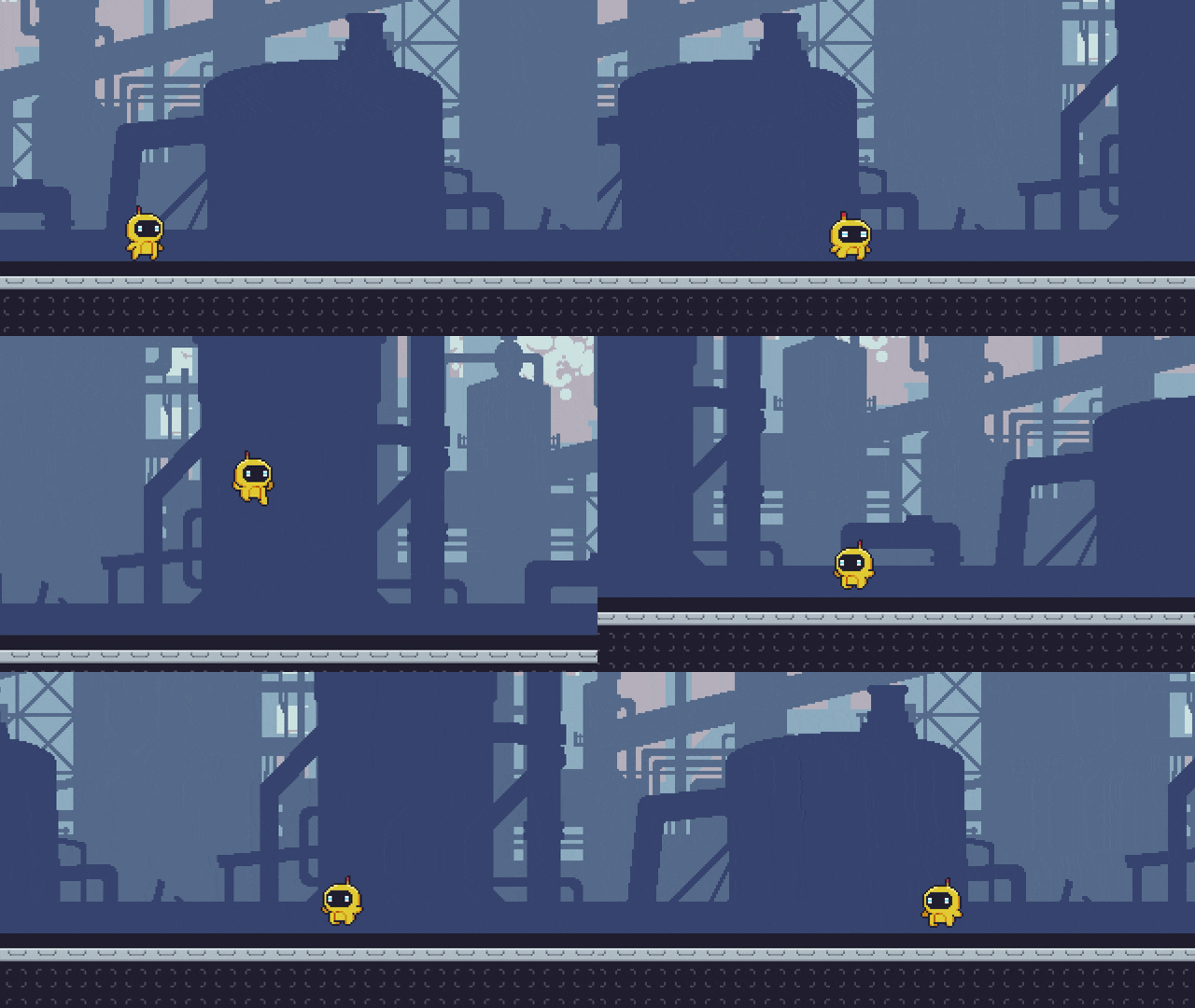
- Smooth target follow
- Directional bias (look-ahead)
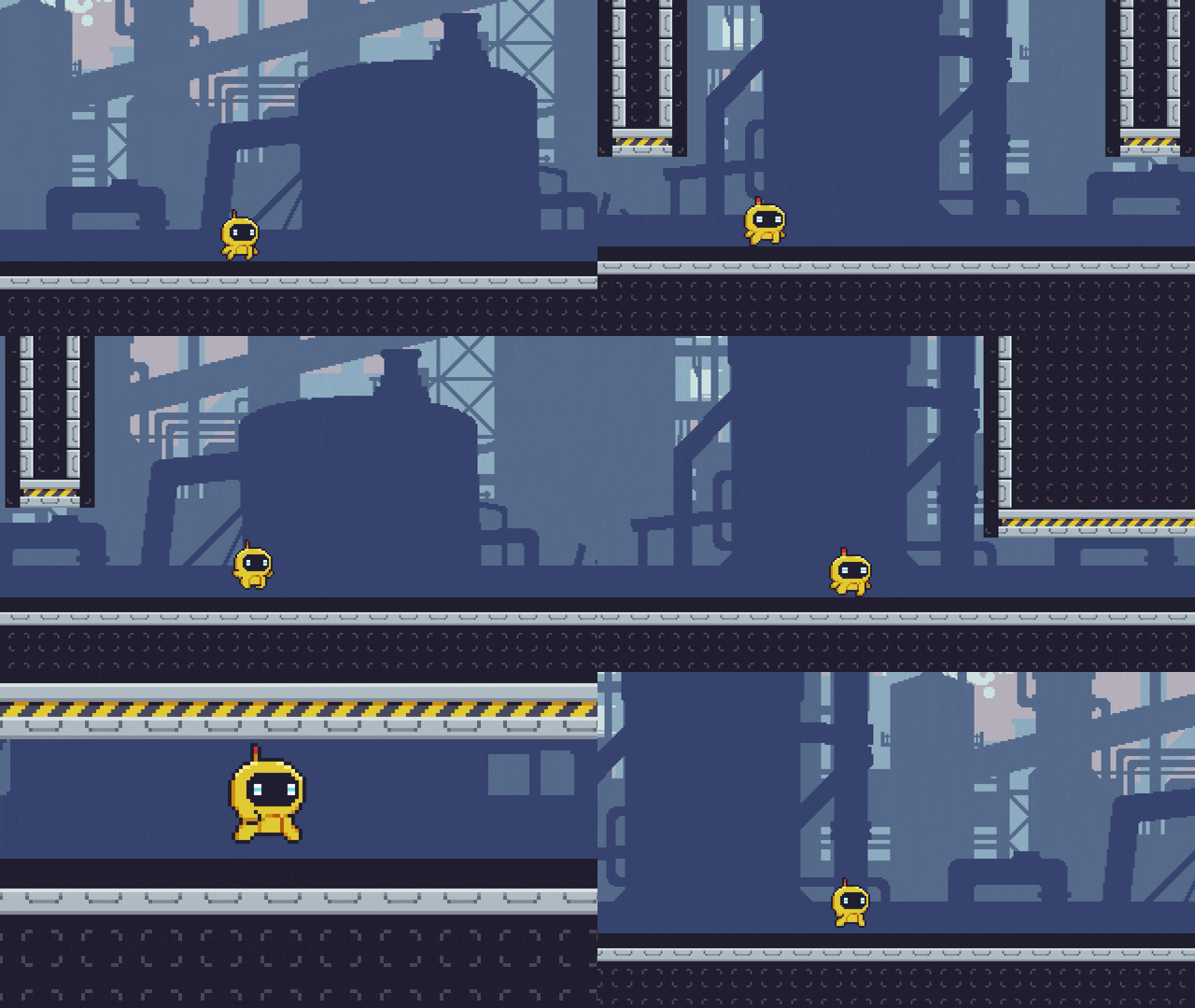
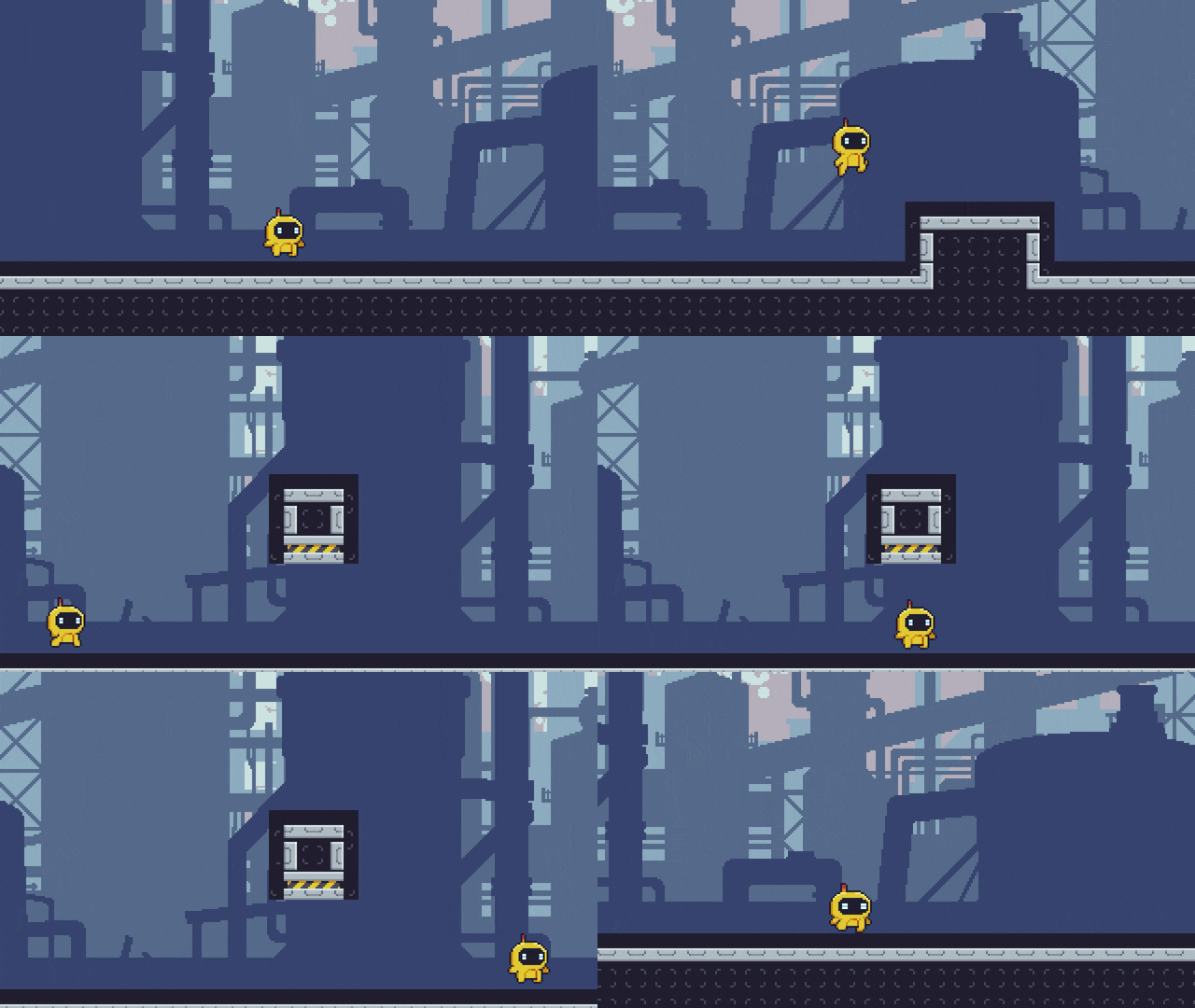
- Camera zones
- Screenshake effect
- Camera pan
- Temporary zoom
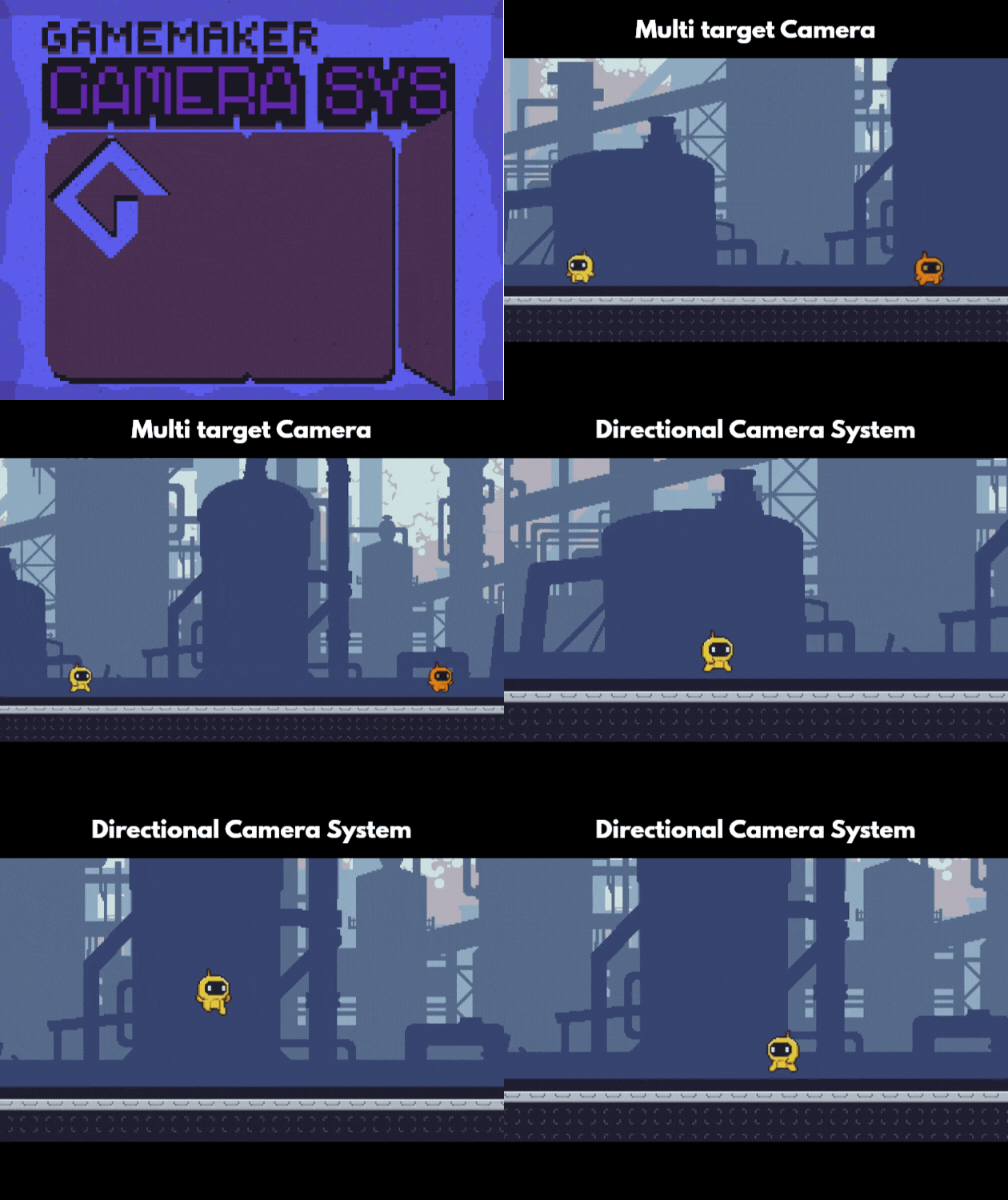
- Dynamic multi-Target zoom
The code is cleanly commented and fully customizable with many parameters.
Pure GML, no dependencies.
Platformer player controller included.
Documentation
Getting Started
Introduction
This guide will show you how to set up the camera system and make it follow your player.Requirements
- GameMaker 2024+
- The camera system
- A player controller (included)
Installation
Option A : Import the YYZ package into GameMaker.Option B : Import Local Package (.yymps) and select the folders you need.
Camera Setup
Add one instance of the oCamera object in the room.Add a Follow Target
To make the camera follow the player, you have to add the player to the list of targets.if !oCamera.has_target(id) {
oCamera.add_target(id);
}Player Requirements
To use the directional bias (look-ahead) feature, your player object needs aface variable.face = 1 : looking rightface = -1 : looking left
Customization
You can customize camera's behaviour by modifying the variables in the Create event of `oCamera` :default_camera_area: camera bounds as a structdefault_directional_offset: directional offset percentage (the percentage of the screen before the target)bias_speed: directional offset direction change speeddefault_follow_percent: following reactivityzoom_margin: minimum outside margin for dynamic zoommin_zoom: minimum zoom levelmax_zoom: maximum zoom level
Effects
To trigger a screenshake, you can call theshake() function from any object. For example, to trigger a screen shake lasting 0.5 seconds with an amplitude of 8 pixels, you call :
oCamera.shake(8, 0.5);Camera Zones
Camera zones are a way to modify the camera behavious only in specific zones.They can change the camera bounds, the zoom, the directional bias percent, the follow percent, or lock the target.
The zone's action area is defined by its size in the room. Even if they are visible in the room editor for level design purposes, they aren't visible at runtime.
To create a camera zone, place the
oCameraZone object in the room, resize it to choose its detection area.Then, open instance's Creation Code and provide this code to override the Create event.
To override an aspect of the camera, first set the
override_* variable of the category to true. Then, adjust the other variables of the category to your needs.You can also change the
zone_priority variable : a higher number indicates a higher-priority zone.
zone_priority = 0;

// Bounds
override_bounds = false;

// Zoom
override_zoom = false;
zone_zoom = 2;

// Directional Bias
override_bias = false;
zone_bias = 60;

// Follow Percent
override_follow = false;
follow_percent = 60;

// Lock Target
override_target = false;
fixed_target_x = x + sprite_width * 0.5;
fixed_target_y = y + sprite_height * 0.5;
Multi-target Follow
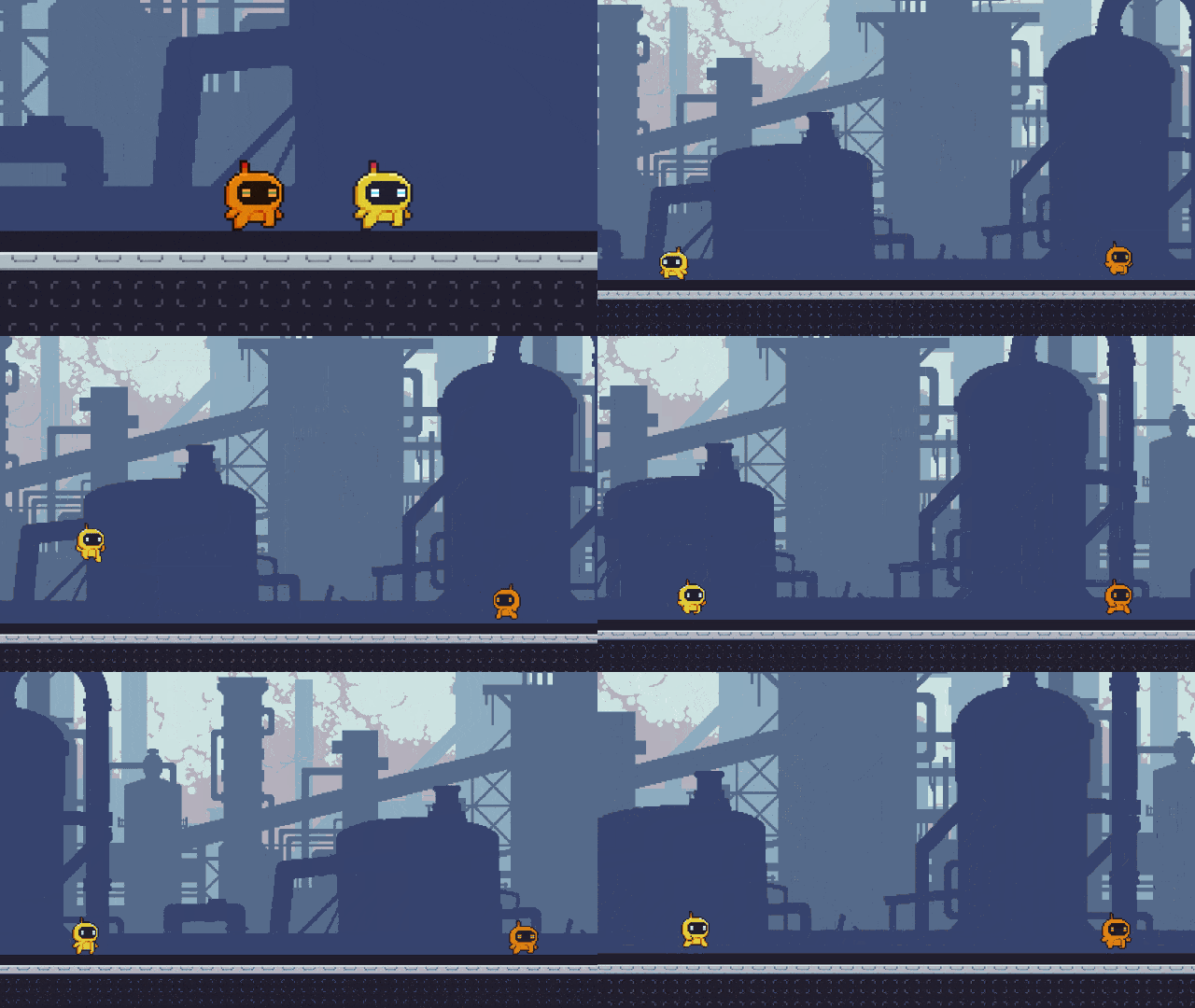
You can now add multiple targets for the camera to follow.The camera will zoom automatically zoom in and out to fit all the targets in the screen.
Conclusion
You are now ready to customize the camera system to fit your game's needs.For more advanced use, refer to API Reference.
API Reference
Targets
add_target(inst)
Adds an instance to the follow target list.
Parameters
inst: Instance
remove_target(inst)
Removes an instance of the follow target list.
Parameters
inst: Instance
set_target(inst)
Replace all current targets with a single target instance.
Parameters
inst: Instance
clear_targets()
Clears the follow target list.
has_target(inst)
Returns whether the instance is in the follow target list.
Parameters
inst: Instance
Effects
shake(strength, duration)
Triggers a screen shake with a progressive fade-out.
Parameters
strength: Maximal offset of the screen shakeduration: Duration in seconds
zoom_to(zoom, duration)
Sets the camera zoom to a fixed value for a specific duration.
Parameters
zoom: Zoom level as a multiplierduration: Duration in seconds
pan_to(x_pos, y_pos, duration)
Sets the camera target to a fixed point for duration in seconds.
Parameters
x_pos: X-axis position of the target pointy_pos: Y-axis position of the target pointduration: Duration in seconds
Utilities
stop_zoom()
Cancels zoom_to() effect before the end of the duration.
stop_pan()
Cancels pan_to() effect before the end of the duration.
Credits
Licence
Copyright 2026 0xNil

Permission is granted to use this asset in both personal and commercial projects, free of charge.

You are welcome to:
* Use this asset in your own projects.
* Modify the code to suit your needs.
* Include it in free or commercial games.

You may not:
* Redistribute the original package.
* Reupload this asset to another website or marketplace.
* Sell this asset, whether modified or unmodified, as a standalone product or as part of an asset pack.

Credit is appreciated but not required.

This software is provided "as is", without warranty of any kind. The author is not liable for any damages arising from its use.
Download
Click download now to get access to the following files:
Development log
- New Cover Art58 days ago
- v1.0.067 days ago
Comments
Log in with itch.io to leave a comment.
wowee!